

Lời mở đầu
Mỗi video “top 5 game đua xe Roblox” đều cho bạn một countdown rồi kêu subscribe. Điều không video nào giải thích là tại sao có game lái vào cua thấy rõ đuôi xe trượt ra, còn có game bấm ga đến đâu bánh bám đường đến đó như dán keo — hoặc tại sao cùng một game chạy mượt trên điện thoại này nhưng giật liên tục trên máy kia.
Các game đua xe hay nhất Roblox không phải là game nhiều người chơi nhất. Đó là game phù hợp với thiết bị, phong cách chơi và thứ bạn thực sự muốn từ một trải nghiệm lái xe. Bài này xếp hạng sáu tựa game theo đúng tiêu chí đó: tính vật lý, độ chân thực và mức độ nặng với phần cứng.
Các game đua xe Roblox hay nhất xếp hạng theo tính vật lý và độ chân thực

Các game đua xe hay nhất Roblox hiện tại gồm Driving Empire, Greenville và Midnight Racing: Tokyo — phủ ba phong cách khác nhau: cruising thế giới mở, lái xe xã hội chân thực và đua phố nặng về physics. Với máy cấu hình thấp, Greenville chạy ổn định ở mức RAM 2–3 GB, trong khi các game nặng physics như Midnight Racing: Tokyo cần 3 GB trở lên để đạt tốc độ khung hình mượt.
Chỉ nhìn vào danh sách đó rồi chọn là bỏ qua phần quan trọng nhất. Mỗi game phục vụ một kiểu người chơi khác nhau — chọn sai thể loại cho thiết bị của mình là biến mỗi phiên chơi thành cuộc chiến với lag thay vì một cuốc lái đáng nhớ.
Ba kiểu người chơi, bốn hướng đi khác nhau:
- Thích khám phá thế giới mở (du ngoạn, khám phá, tùy chỉnh) → Greenville hoặc Driving Empire
- Người đam mê tính vật lý (muốn trải nghiệm cảm giác lái thực tế, hiện tượng trượt bánh sau, chuyển trọng lượng) → Midnight Racing: Tokyo hoặc Car Zone Racing & Drifting
- Đua xe cạnh tranh (phòng xếp hạng, thử thách thời gian, nhiều người chơi) → Midnight Chasers: Highway Racing hoặc Project Trackday
Các game đua xe Roblox theo thể loại: mỗi loại thực sự cung cấp gì

Cụm từ “game đua xe” trên Roblox rộng hơn nhiều người nghĩ. Một game lái xe thế giới mở, một game mô phỏng vật lý và một game đua xe cạnh tranh hầu như không có điểm chung nào về yêu cầu đối với thiết bị hoặc sự chú ý của bạn. Chọn sai thể loại phụ cho mục tiêu của bạn là cách nhanh nhất để bạn bỏ ra một giờ mà cảm thấy phí thời gian.
Game lái xe thế giới mở — tốt nhất để khám phá và tùy chỉnh
Greenville

Greenville là chuẩn mực của game lái xe xã hội trên Roblox — Một thị trấn nhỏ kiểu Mỹ được tái hiện với đèn giao thông hoạt động, các cửa hàng bán đồ ăn nhanh và một nền văn hóa xe hơi xoay quanh các buổi gặp gỡ và diễu hành xe hơi hơn là đua xe.
Danh sách xe chủ yếu là các dòng xe cơ bắp Mỹ và xe cổ điển JDM, với khả năng tùy chỉnh hình ảnh sâu sắc hơn hầu hết các trò chơi lái xe trên nền tảng này. Tải phần cứng vẫn ở mức chấp nhận được: RAM 2-3 GB có thể xử lý ở cài đặt trung bình mà không gặp vấn đề về nhiệt độ trên hầu hết các thiết bị Android tầm trung.
Driving Empire
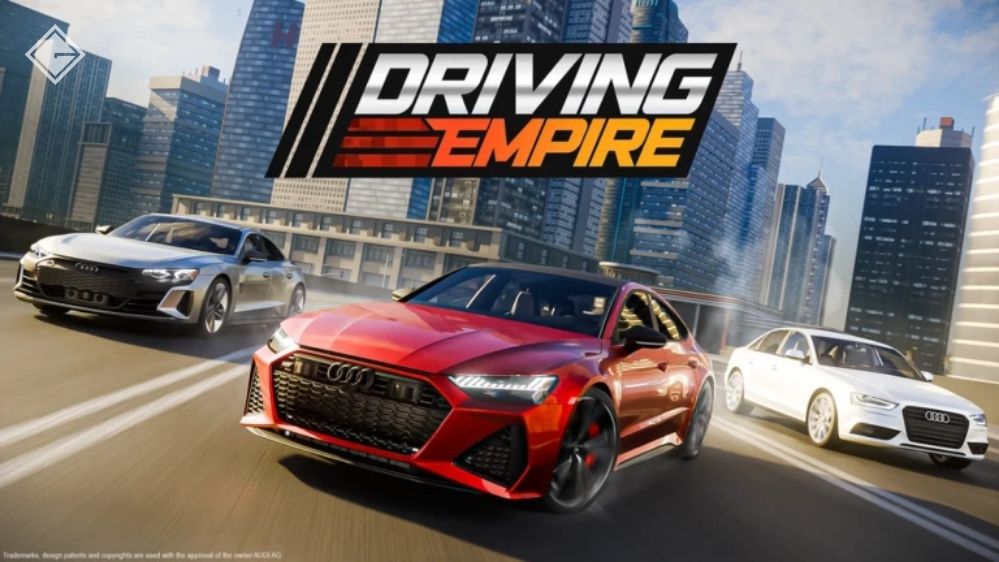
Driving Empire sử dụng định dạng thế giới mở và bổ sung thêm hệ thống kinh tế tiến triển – xe được kiếm bằng tiền trong game, các cuộc đua thưởng cho việc nâng cấp, và bản đồ đủ rộng lớn để việc khám phá không chỉ đơn thuần là khoe khoang. Cả hai trò chơi đều không cố gắng mô phỏng vật lý; cả hai đều cố gắng mô phỏng trải nghiệm văn hóa xe hơi, và chúng làm điều đó tốt hơn bất cứ thứ gì khác trong thể loại này.
Game tập trung physics — tốt nhất cho cảm giác lái thật
Midnight Racing: Tokyo
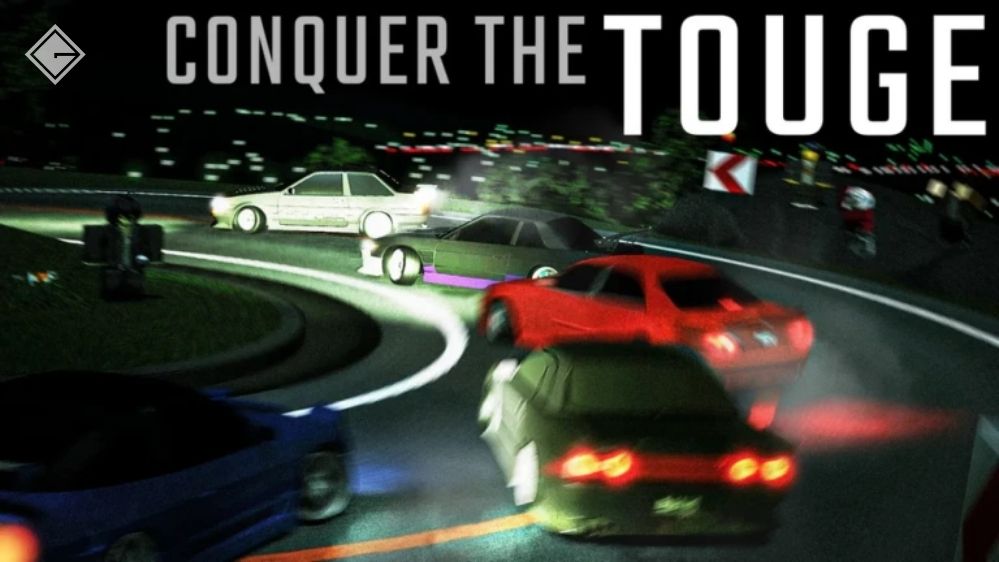
Midnight Racing: Tokyo là tựa game gần giống nhất với một trình mô phỏng lái xe thực thụ trên Roblox. Mô hình điều khiển bao gồm cả hiện tượng trượt bánh sau ở cầu sau, đòi hỏi người chơi phải chủ động điều chỉnh – nhả ga giữa khúc cua, xe sẽ xoay tròn; đạp ga quá sớm, xe sẽ mất lái. Điều này không thường thấy trên Roblox. Nhược điểm là tải trọng phần cứng: trò chơi liên tục sử dụng 3 GB RAM và hoạt động nóng trên các thiết bị tầm trung sau những phiên chơi kéo dài.
Car Zone Racing & Drifting
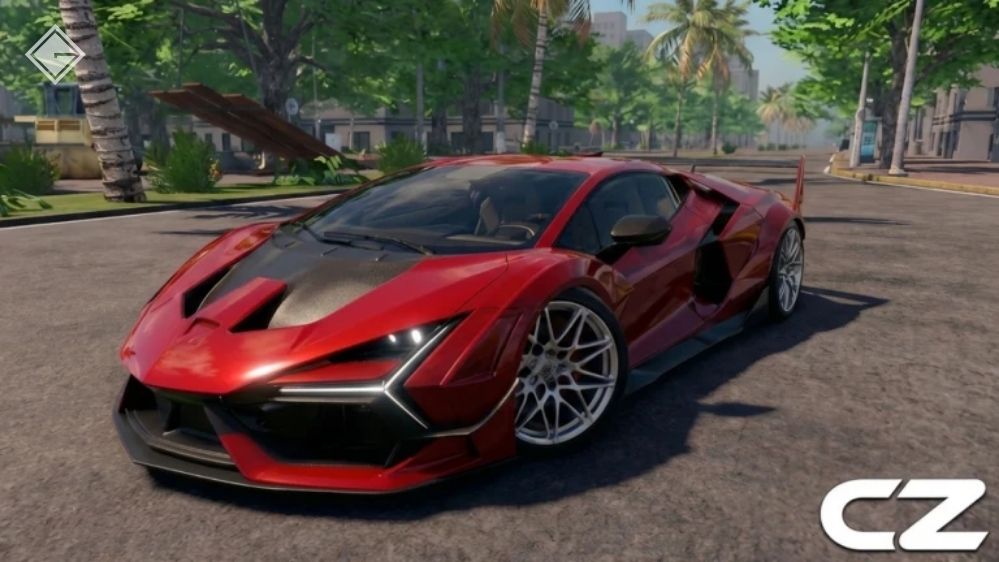
Car Zone Racing & Drifting đặc biệt chú trọng vào cơ chế drift — Tính vật lý được điều chỉnh để duy trì góc drift thay vì thời gian vòng đua, điều này tạo nên một bộ kỹ năng hoàn toàn khác. Những người chơi đến từ Midnight Racing: Tokyo và mong đợi mô hình điều khiển tương tự sẽ thấy hai trò chơi này đòi hỏi những thao tác hoàn toàn khác nhau. Trong số các game Roblox hay nhất thuộc mọi thể loại, độ sâu vật lý ở mức độ này là rất hiếm.
Game đua tranh xếp hạng — tốt nhất cho multiplayer cạnh tranh
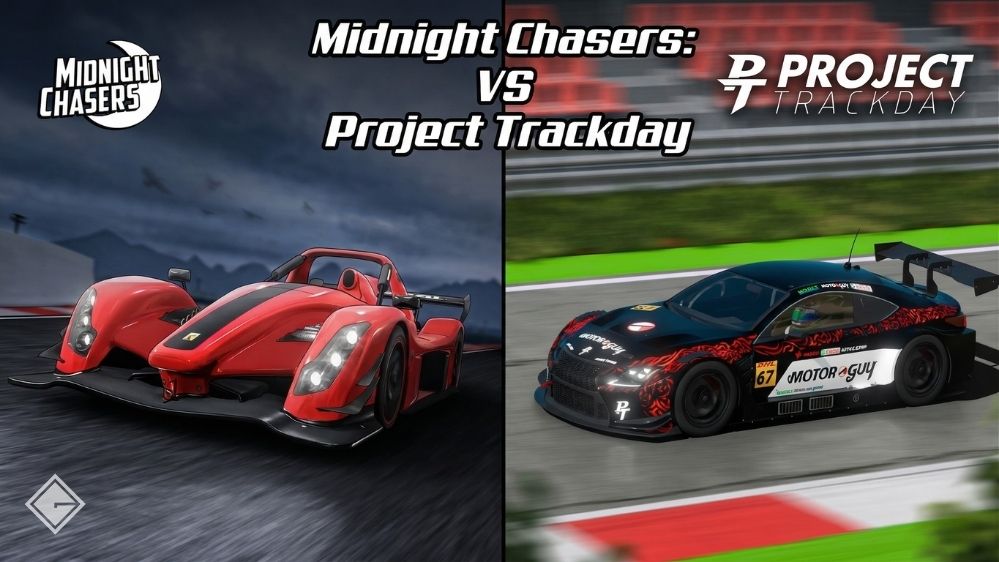
Cả Midnight Chasers: Highway Racing và Project Trackday đều cung cấp môi trường cạnh tranh có cấu trúc – các phòng chơi xếp hạng, chu kỳ sự kiện và bảng xếp hạng giúp chiến thắng có ý nghĩa thực sự. Điểm khác biệt giữa chúng nằm ở bối cảnh: Midnight Chasers sử dụng thể thức đua xe đường trường và chạy nước rút, nơi tốc độ tối đa và thời gian phản xạ là yếu tố quyết định, trong khi Project Trackday sử dụng các đường đua vòng tròn, nơi sự ổn định khi vào cua quan trọng hơn tốc độ thuần túy.
Cả hai trò chơi đều yêu cầu kết nối ổn định để phát huy tối đa giá trị — mất kết nối giữa chừng đồng nghĩa với việc bỏ cuộc giữa chừng, và hệ thống xếp hạng sẽ không bỏ qua những phiên chơi bị gián đoạn. Những ai muốn lựa chọn ít áp lực hơn có thể xem thêm các game bắn súng hay nhất Roblox hoặc các game Roblox cho trẻ nhỏ với các các thức hoàn toàn khác.
6 game đua xe Roblox hay nhất so sánh: tính vật lý, độ chân thực và hiệu năng thiết bị

| Game | Thể loại |
Tính vật lý & Cảm giác lái |
Độ chân thực | Hiệu năng thiết bị |
| Midnight Racing: Tokyo | Mô phỏng vật lý / Đua xe đường phố | ★★★★★ | ★★★★★ | ★★☆☆☆ |
| Greenville | Thế giới mở | ★★☆☆☆ | ★★★★☆ | ★★★★★ |
| Driving Empire | Thế giới mở | ★★★☆☆ | ★★★☆☆ | ★★★★☆ |
| Car Zone Racing & Drifting | Mô phỏng drift | ★★★★☆ | ★★★☆☆ | ★★★☆☆ |
| Midnight Chasers: Highway Racing | Đua xe | ★★★☆☆ | ★★★☆☆ | ★★★☆☆ |
| Project Trackday | Đua xe | ★★★★☆ | ★★★★☆ | ★★★☆☆ |
Tại sao một số game đua xe Roblox “hạ gục” điện thoại cấu hình thấp
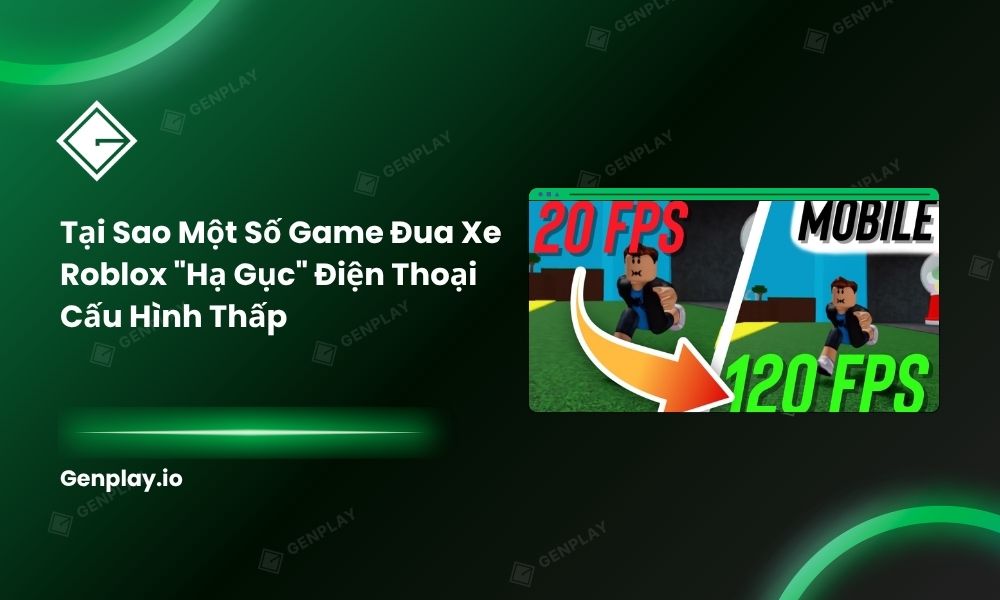
Ba vấn đề phần cứng — không phải lỗi phần mềm — giải thích tại sao có game chạy ngon trong khi game khác biến điện thoại thành cục than.
Nguyên nhân đầu tiên là do việc tải dữ liệu bản đồ thế giới mở quá tải. Các bản đồ lớn có thể lái xe qua liên tục tải và giải phóng tài nguyên khi bạn di chuyển trong đó. Thế giới càng lớn, nhu cầu RAM càng cao tại bất kỳ thời điểm nào — bản đồ của Driving Empire lớn hơn đáng kể so với Greenville, điều này thể hiện rõ qua so sánh mức sử dụng RAM.
Tải trọng tính toán vật lý là yếu tố thứ hai: mỗi đối tượng vật lý bổ sung được mô phỏng trên mỗi khung hình sẽ làm tăng tải CPU. Một trò chơi mô phỏng đồng thời hành trình hệ thống treo, biến dạng lốp và vật lý va chạm sẽ hoạt động ở nhiệt độ cao hơn đáng kể so với trò chơi chỉ mô phỏng vị trí và tốc độ.
Số lượng đa giác của mô hình xe là biến số thứ ba, và nó kết hợp với các biến số khác: các trò chơi thế giới mở hiển thị tám chiếc xe có độ phân giải cao trên màn hình cùng lúc sẽ đẩy tải GPU vượt xa mức mà một trò chơi lái xe với lưu lượng giao thông thưa thớt yêu cầu.
Hiệu năng thực tế: người chơi nhận xét gì sau khi chơi game đua xe Roblox

Dữ liệu từ cộng đồng người dùng Roblox trên các máy chủ Discord và các chủ đề trên Reddit cho thấy một giới hạn nhất quán đối với các thiết bị Android tầm trung khi chơi game đua xe thế giới mở: khoảng 90 phút đến 2 giờ trước khi hiện tượng giảm hiệu năng do quá nhiệt trở nên rõ rệt trên phần cứng Snapdragon 680.
Các tựa game nặng về vật lý sẽ vượt qua ngưỡng đó nhanh hơn — người chơi Midnight Racing: Tokyo trên các thiết bị tầm trung thường xuyên báo cáo tình trạng giảm tốc độ khung hình bắt đầu từ khoảng phút thứ 60 trong các phiên lái xe tích cực.
Điện thoại tầm trung trụ được bao lâu khi chạy game đua xe thế giới mở Roblox
Các thiết bị thuộc dòng Snapdragon 680 (RAM 3-4 GB) chạy Driving Empire hoặc Midnight Racing: Tokyo gặp hiện tượng giảm hiệu năng do quá nhiệt khi nhiệt độ bề mặt đạt từ 45°C đến 48°C — thường đạt được trong vòng 60-90 phút lái xe liên tục ở khu vực giao thông đông đúc. Ở ngưỡng này, tốc độ khung hình giảm xuống so với mục tiêu và phản hồi đầu vào chậm lại đáng kể.
Trong cùng điều kiện, Greenville giữ trạng thái ổn định lâu hơn khoảng 30-45 phút, chủ yếu là do tải vật lý thấp hơn và mật độ thế giới được kiểm soát tốt hơn. Đây không phải là trường hợp ngoại lệ — mà là trải nghiệm tiêu chuẩn đối với bất kỳ ai chơi game đua xe trên phần cứng di động không được thiết kế để xử lý tải GPU và CPU liên tục cùng lúc.
Những sai lầm phổ biến nhất khi setup game đua xe Roblox
- Chọn một trò chơi nặng về vật lý mà không kiểm tra RAM. Midnight Racing: Tokyo với 2 GB RAM không chạy tệ — nó hầu như không chạy được ở điều kiện chơi cao điểm. Yêu cầu cấu hình không phải là một gợi ý.
- Chạy ở mức đồ họa tối đa trên một thiết bị tầm trung. Hiện tượng giảm hiệu năng do quá nhiệt xảy ra trong vòng 20 phút. Hãy giảm xuống cài đặt trung bình trước khi bắt đầu chơi, chứ không phải sau khi sự cố xảy ra.
- Tham gia các phòng chơi cạnh tranh trong Project Trackday hoặc Midnight Chasers mà không có kết nối ổn định. Cả hai trò chơi đều tính việc mất kết nối là bỏ cuộc trong chế độ xếp hạng. Một phiên chơi không ổn định duy nhất có thể xóa sạch tiến trình xếp hạng của cả phiên chơi đó.
Vào Discord GenPlay để nhận máy dùng thử miễn phí, hoặc gửi email tới [email protected].