Cloud phone · Real Android device

Cloud phone for
24/7 AFK gaming.

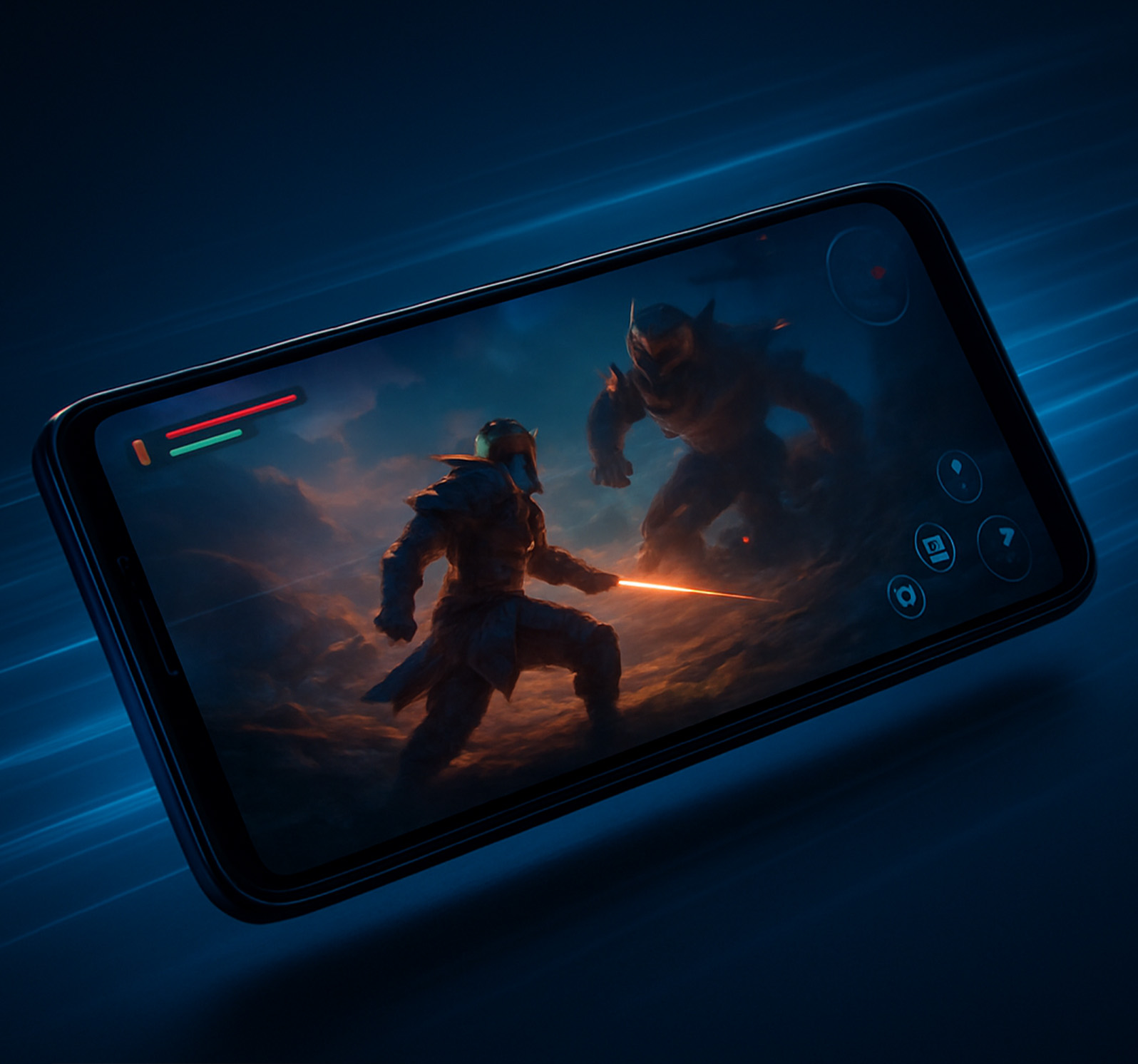
GenPlay gives you a real Android phone with a Snapdragon chip, hosted in a data center. Keep Roblox, Free Fire and any Android game running 24/7 — go to sleep, your game keeps going.

Run multiple games at once · Browser or Android app · Southeast Asia servers

FEATURED ON GENPLAY
Roblox
AFK any Roblox game on a real Android phone. Go to sleep — your game keeps running on the cloud device.
RobloxAFK 24/7
Blox Fruits
Adventure, hunt Devil Fruits, fight bosses. Stays smooth on busy servers with Snapdragon 865.
RobloxAdventure
Grow a Garden
Plant, wait and harvest on Roblox. The cloud device keeps your game running while you're at school or work.
RobloxGardening
Fisch
A Roblox fishing game. Let your GenPlay device keep the game running all night and check in anytime.
RobloxFishing
Pet Simulator 99
Collect and upgrade pets on Roblox, running nonstop on a cloud phone.
RobloxPets
Free Fire
Battle royale on a real phone. Play smoothly while your own phone stays cool and keeps its battery.
ShooterSurvival
Snapdragon 865

Real phone hardware, not an emulator

AFK 24/7

AFK without holding your phone

60–120 FPS

Smooth when playing live

US$0.09

Per day, Snapdragon 835 device

About

GenPlay is a cloud phone running on real Android hardware

A cloud phone is an Android phone in a data center that you control remotely from a browser or app. With GenPlay, every device is a physical phone with a Snapdragon chip — not a virtual machine or emulator.

  • AFK gaming 24/7, even with your device off
  • Run multiple games at once, one game per device
  • Open it in a browser or the Android app
Intro video · YouTube
Get started

How to AFK on a cloud phone

No PC needed, no phone to babysit. Just a GenPlay account and a stable connection.

  1. 1

    Sign in, get a trial device

    Open app.genplay.io or the GenPlay Android app. Claim a free trial device on the GenPlay Discord.

  2. 2

    Choose a device by chip

    Snapdragon 835, 855 or 865, and the server closest to you. Billed per day.

  3. 3

    Install your game, leave it running

    Install Roblox from Google Play right on the cloud device, start the game and close the app. The device keeps running 24/7.

Features

Features of the GenPlay cloud phone

Games run on GenPlay devices in the data center. Your phone or computer only needs a connection to watch and control.

Real device vs virtual

Emulators share the chip.
GenPlay doesn't.

Virtual cloud phones and emulators run many devices on one shared CPU, so FPS drops and lag spikes when it gets busy. Every GenPlay device is a real phone with its own Snapdragon chip.

GenPlayReal device
VirtualVirtual cloud phones, emulators
Hardware
Real Android phone, Snapdragon 835 / 855 / 865 chip
Virtualized Android on a server or on your own PC
CPU · GPU
Each device has its own chip and a real Adreno GPU
Many virtual devices share one CPU and GPU
Performance
Smooth 60–120 FPS when playing live
FPS drops and lag at peak hours
See specs for each chip

Run multiple games at once

One game per device. See every device on one screen — which ones are running, how long until they expire — tap to jump in.

AFK gaming 24/7

Go to sleep and your game keeps running on the cloud device. Great for Roblox simulators, fishing, gardening and pet games.

Southeast Asia servers, low ping

Pick SEA1 or SEA2 when renting — the app shows each server's ping.

Works on any device

A browser on your computer or phone, or the GenPlay app for Android.

See devices

No overheating, no battery drain

Your phone doesn't run the game — it only receives the picture when you check in.

Free for every account

Trade diamonds for extra AFK time

Check in daily, watch videos and complete missions to earn diamonds. 12 diamonds buy 1 extra hour, for both trial and rented devices.

  • 7-day check-in streak, +4 on Sundays
  • Up to 10 videos a day, +1 each
  • Make TikTok videos about GenPlay, get free devices
Claim rewards in the app
Games

Games you can AFK on GenPlay

Roblox and any Android game from Google Play. Games tagged Roblox run through the official Roblox app on the cloud device.

This list is just examples; any game on Google Play can be installed. Whether your character keeps progressing while you're away depends on each game's mechanics.

Devices

Use your cloud phone on any device

GenPlay app: home screen with the Roblox Cloud Phone card
GenPlay app: rent screen to choose chip, RAM, Android version and server
app.genplay.io
GenPlay in the browser: Blox Fruits running on a cloud device
app.genplay.io
GenPlay in the browser: several cloud devices running Roblox games
Controlled from the Android app

Control your cloud device from your phone

The GenPlay Android app: see running devices, rent by chip, choose a server, jump into games and earn diamonds every day.

  1. 1Get GenPlay on Google Play
  2. 2Sign in and claim a trial device
  3. 3Tap a device to open your game
Pricing

Cloud phone pricing by chip

Every device is a real 8-core Android phone, billed per day. Latest prices are always in the GenPlay app.

Snapdragon 835

Snapdragon 835

6GB RAM · Android 14/15

Best value, smooth experience

US$0.09/ day
  • 8-core Kryo 280: 4×2.45 GHz + 4×1.9 GHz
  • 6GB RAM · 64GB ROM
  • Android 14/15
  • Great for most Roblox games
Recommended
Snapdragon 855

Snapdragon 855

8GB RAM · Android 15

More RAM, stable AFK

US$0.19/ day
  • 8-core Kryo 485: 1×2.84 + 3×2.42 + 4×1.78 GHz
  • 8GB RAM · 64GB–128GB ROM
  • Android 15
  • Heavy Roblox games, busy servers
Most powerful
Snapdragon 865

Snapdragon 865

12GB RAM · Android 14/15

Top performance, premium RAM

US$0.29/ day
  • 8-core Kryo 585: 1×2.84 + 3×2.42 + 4×1.8 GHz
  • 12GB RAM · 128GB ROM
  • Android 14/15
  • Graphics-heavy games like Genshin Impact
Trade diamonds for AFK timeCheck in, watch videos and complete missions to earn diamonds. 12 diamonds = 1 extra hour.
Try before you rentFreeJoin the GenPlay Discord to claim a free trial device and hear about new offers.Claim on Discord
Community

What players say about GenPlay

See all reviews on Google Play
★★★★★
Probably the best Cloudphone compared to the others. Crashes are few and rare, but it's really a non issue unless I want to afk for more than two days straight. …
XyrielGoogle Play · Apr 16, 2026
★★★★★
The app is great, no lag at all, and the screen is responsive too …
Translated from Indonesian
Xentaur A.Google Play · Jul 17, 2026
★★★★★
A smooth app for AFK gaming, no crashes or freezes. Try AFK with this app, it's great.
Translated from Vietnamese
Lygiabao L.Google Play · Aug 18, 2026
What is a cloud phone?

A cloud phone is an Android phone in a data center that you control remotely from a browser or app. Every GenPlay device is a physical Android phone with a Snapdragon chip, not a virtual machine.

Can a cloud phone AFK games 24/7?

Yes. GenPlay devices run nonstop in the data center, even when your phone or computer is off. Whether your character keeps progressing depends on each game's mechanics.

How is GenPlay different from an Android emulator?

An emulator runs on your computer, uses its CPU and RAM, and needs your PC on all the time. GenPlay runs on real phones in a data center: it uses none of your device's resources, can run 24/7 and opens from a browser or the Android app anywhere.

How do I AFK Roblox on GenPlay?

Rent a device (or use a trial device), install Roblox from Google Play right on the cloud device, start your game and close the GenPlay app. The device keeps running 24/7 and you can come back anytime.

Which games can I run?

Any game on Google Play: Roblox (Blox Fruits, Grow a Garden, Fisch, Pet Simulator 99, Steal an Egg…), Free Fire, Play Together, Genshin Impact, MIR4 and more.

Can I run several games at once?

Yes. Rent several devices, one game per device. The device grid on web and app shows which are running and how long until they expire.

Which chip should I choose for Roblox?

Snapdragon 835 (6GB RAM) suits most Roblox games. For effect-heavy games or busy servers, choose Snapdragon 855 with 8GB RAM or Snapdragon 865 with 12GB RAM.

How much does it cost?

Snapdragon 835 US$0.09/day, Snapdragon 855 with 8GB RAM US$0.19/day, Snapdragon 865 with 12GB RAM US$0.29/day. Claim a free trial device on the GenPlay Discord before renting.

Is GenPlay safe to use?

Each device you rent runs independently, and only your GenPlay account can access it during the rental. When playing, you still need to follow the terms of Roblox and each game.

Start AFK gaming 24/7

Claim a free trial device on the GenPlay Discord. Play in your browser or get the Android app — from US$0.09/day.

Get the app Play now