Introduction
Your phone overheats. The battery drains overnight. An MMO session crashes right when the rare drop appears. That frustration pushes many players to search for the best cloud phone for gaming—not out of curiosity, but out of necessity.
In 2026, mobile games demand stable FPS, consistent latency, and true 24/7 uptime. Hardware limits and emulator bans have changed the landscape. Choosing the wrong platform now wastes weeks of progress, not just a few hours.
What is cloud phone for gaming?
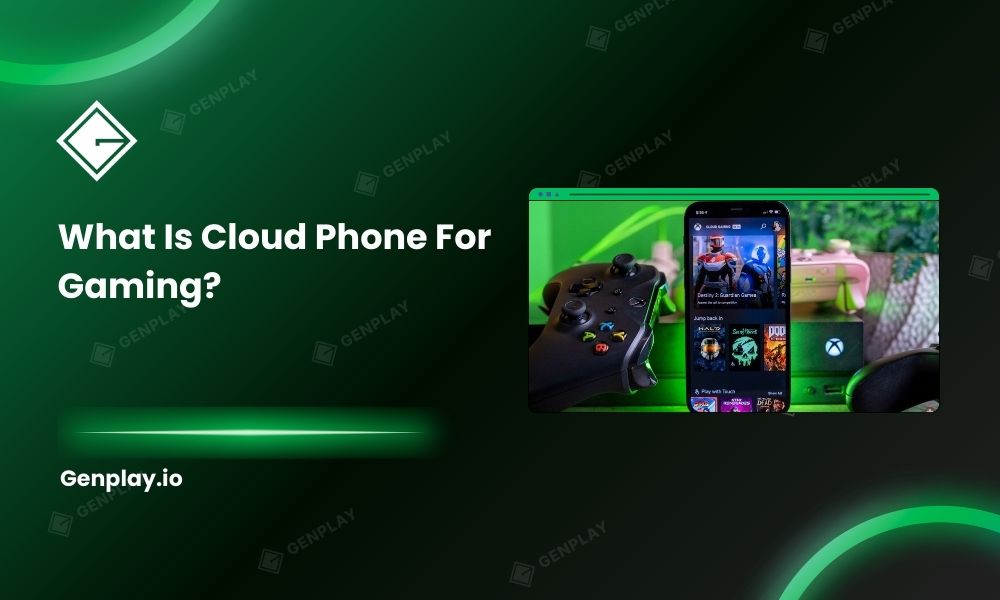
A cloud phone for gaming is a remotely hosted Android device that runs mobile games on server-side hardware while you control it through the internet. Instead of using your physical phone, you access a virtual or real device in the cloud that operates 24/7 without draining your battery or overheating.
Cloud phones solve one core problem: mobile hardware was never designed for nonstop workload. AFK farming, MMO grinding, and multi-account scaling push devices beyond consumer limits.
Two architectures dominate the market:
- Virtualized Android instances on shared servers
- Real physical devices connected to cloud infrastructure
The difference between those two determines whether your session remains stable or collapses during peak hours.
For example, a competitive MMORPG player running four accounts overnight often notices frame drops and disconnects around server peak time. The issue is rarely the internet connection at home. It usually traces back to shared cloud infrastructure where CPU and GPU resources fluctuate depending on how many other users log in.
If you plan to run heavy titles or multiple sessions, focus on architecture before price. Hardware design matters more than brand name.
GenPlay – The leading real device cloud phone
GenPlay is a real device cloud phone platform that provides dedicated physical Android devices hosted in the cloud, designed for stable FPS, low latency, and uninterrupted 24/7 gaming. Unlike shared virtual machines, it assigns isolated hardware resources to each session to prevent performance throttling.
Most platforms advertise “high performance,” yet rely on virtualization layers. GenPlay removes that layer.
Each instance operates on real hardware, which reduces emulator fingerprint risks and stabilizes GPU output under load. That matters for anti-cheat systems that monitor behavior patterns and hardware signatures.
Players scaling MMO accounts often discover a hidden problem: virtualization creates inconsistent frame timing. The average FPS looks acceptable, but frame pacing fluctuates. That inconsistency leads to stutters during combat or resource collection.
A recent 30-day AFK farming scenario in a mid-core MMORPG illustrates the difference. A virtualized setup experienced random disconnects every few days during server congestion. The real-device setup maintained continuous uptime without forced reboots.
For users who want to understand the technical distinction between shared emulators and physical infrastructure, the breakdown of emulator and hardware for 24/7 gaming clarifies how architecture impacts long-session stability.
If uninterrupted grinding or multi-instance scaling defines your goal, evaluate real-device infrastructure before committing to long-term plans.
Why virtual cloud phone for gaming performance fails most users?
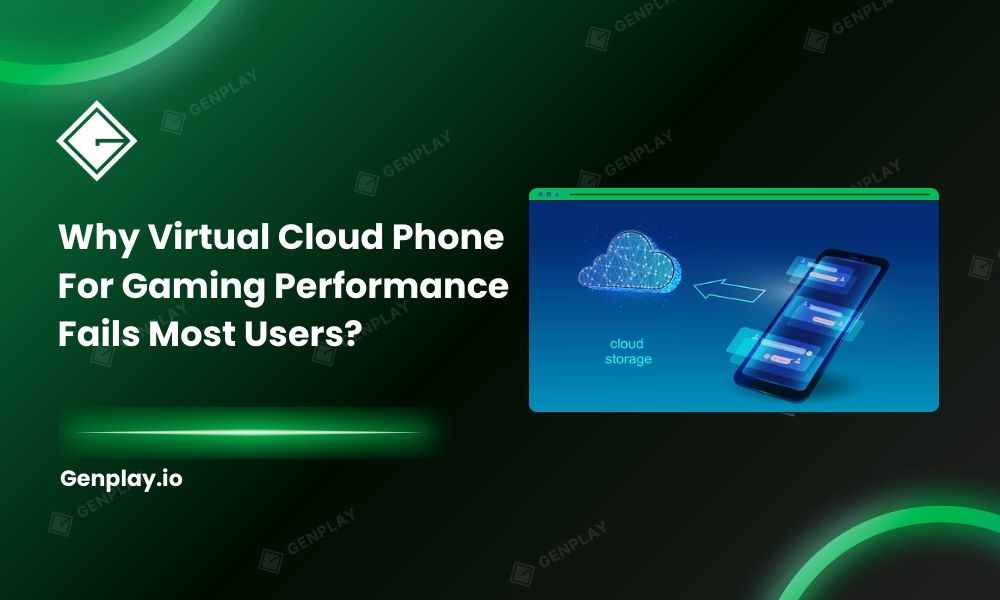
Virtual cloud phones fail under heavy gaming workloads because they share CPU, GPU, and memory resources across multiple users, leading to oversubscription during peak hours. That resource contention causes FPS drops, latency spikes, and occasional forced resets.
Shared virtualization works well for light applications. It struggles with sustained graphical processing.
Cloud providers maximize server utilization to maintain profitability. When multiple users push GPU load simultaneously, the hypervisor redistributes resources. Your session absorbs that fluctuation.
Anti-cheat detection introduces another layer. Many mobile games monitor emulator behavior, virtualization signatures, and unusual uptime patterns. Even if detection does not occur immediately, instability signals abnormal usage.
Consider a player running auto-farming for 18 hours daily in a competitive environment. A virtualized instance may survive for days before performance degrades. Frame drops during combat can cause avoidable defeats, and reconnect delays interrupt farming loops.
Important: Stable average FPS does not guarantee stable gameplay. Frame-time consistency matters more than peak numbers.
Before selecting a platform, test during peak hours. Run combat scenarios, not idle sessions. Observe frame pacing rather than relying on dashboard metrics.
Side-by-side comparison: Real device vs virtual
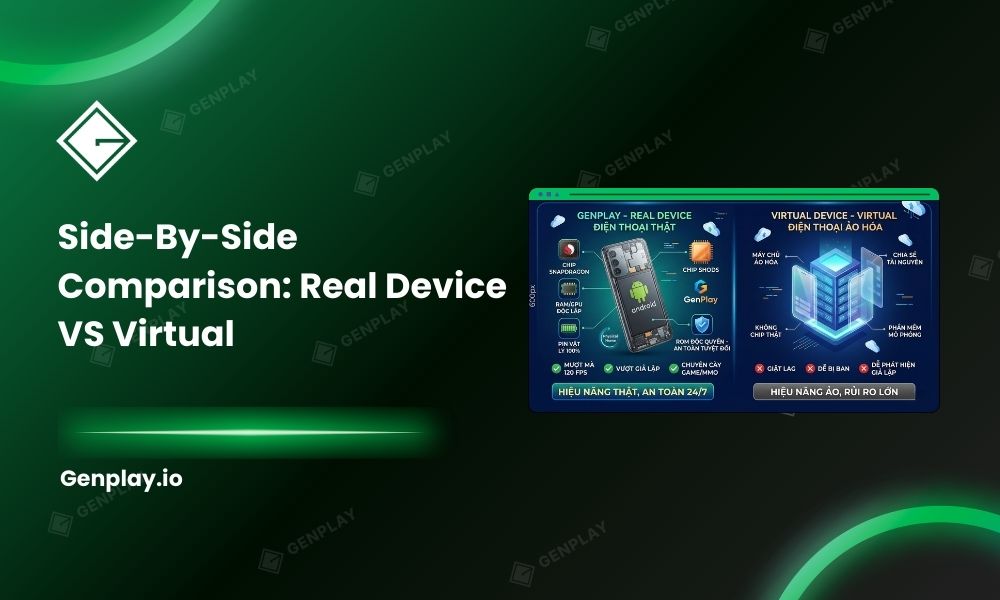
Real device cloud phones offer dedicated hardware stability, while virtual cloud phones provide lower entry cost but variable performance. The right choice depends on workload intensity, session duration, and risk tolerance for instability.
Below is a structured comparison:
| Factor | Real Device Cloud Phone | Virtual Cloud Phone |
| Hardware Isolation | Dedicated physical device | Shared virtual machine |
| FPS Stability | Consistent frame pacing | Fluctuates during peak load |
| Anti-Cheat Exposure | Lower emulator signature risk | Higher virtualization fingerprint |
| Multi-Account Scaling | Predictable performance | Resource contention increases |
| Cost | Higher upfront | Lower starting price |
| Long-Term AFK | Designed for 24/7 use | Stability varies |
Performance stability influences progression speed more than raw specs.
An MMO player running three instances on a virtualized setup may experience smooth gameplay for weeks, then sudden lag during a seasonal event when overall traffic spikes. A real-device configuration absorbs that surge without altering frame timing.
Budget-focused users who play casually for a few hours daily often accept virtualization trade-offs. Competitive grinders rarely tolerate unpredictability.
Decide based on workload intensity:
- Casual play, short sessions → Virtual may suffice.
- Daily AFK farming → Real device preferred.
- Multi-account scaling beyond two instances → Real device recommended.
So, choose infrastructure aligned with progression goals rather than short-term savings.
Common mistakes players make
Choosing based on price alone: Lower cost looks attractive until downtime erases progress. Short-term savings often convert into long-term inefficiency.
Testing only during off-peak hours: Performance seems stable late at night. Problems surface during server congestion.
Ignoring anti-cheat behavior patterns: Running 24/7 without realistic interaction timing raises detection risk, regardless of platform.
GenPlay – Real Device, Real Performance, Real Profit
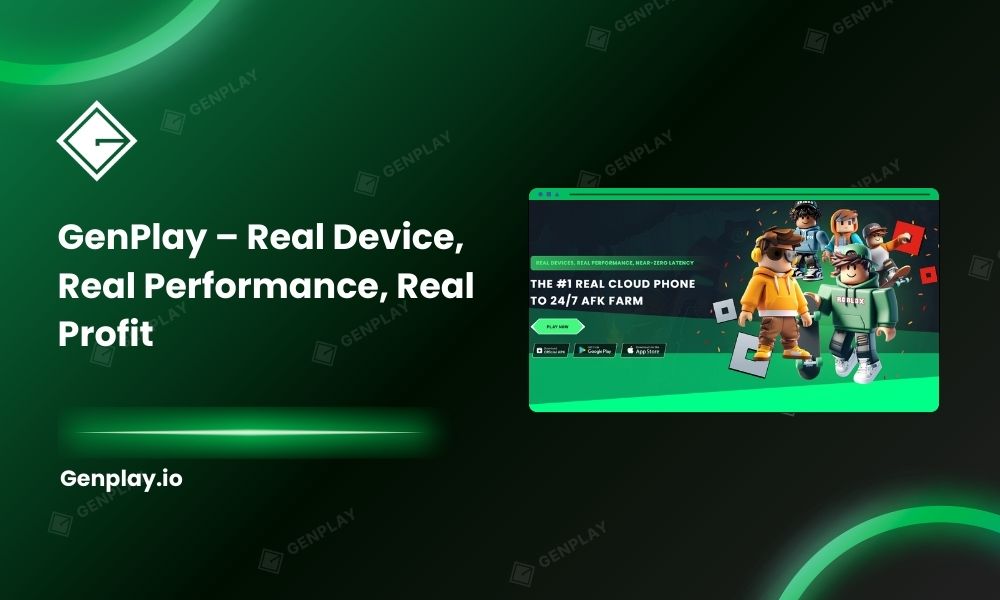
It’s time to upgrade to GenPlay — a 100% real-device cloud phone platform from the Gen Ecosystem built for serious performance, proprietary ROM optimization, strong security, true 120 FPS gameplay, and high ROI with full game compatibility.
Developed by GenFarmer – Leading Vietnamese Technology
GenPlay is fully developed in Vietnam by the GenFarmer team — the company behind recognized platforms such as GenLogin, Box Phone, GenRouter, and Package.
With over three years of R&D, GenPlay became Vietnam’s first physical cloud phone infrastructure, built to compete directly with large-scale providers in Asia.
This is not a resold virtualization service. It’s vertically integrated hardware infrastructure designed in-house.
100% Real Performance – Independent Snapdragon Chips, Smooth 120 FPS 24/7
Unlike virtualized cloud phones:
- Every GenPlay device is a real Android phone
- No virtualization layer
- Dedicated CPU, RAM, and GPU — no shared resources
- Powered by Snapdragon chips for stable high performance
- Up to 120 FPS with high resolution and near-zero latency
The result: Gameplay that feels identical to using a physical phone in your hand.
No Bans, High Security – Custom ROM + Dedicated Proxy
GenPlay runs on a custom-built ROM developed by GenFarmer, optimized to reduce emulator detection risks.
- Recognized as real devices by games
- Reduced account lock or suspension risk
- Dedicated proxy per device
- IP, language, and timezone aligned like a local device
- Full compatibility across mobile games
Unlike virtual environments that may trigger detection layers, GenPlay operates at the hardware level.
Market-Competitive Pricing – Multiples in Performance
GenPlay offers pricing comparable to — or lower than — many virtual cloud phone services, while delivering significantly higher performance.
- No large upfront hardware purchase
- Monthly subscription flexibility
- Scale up during events, scale down when not needed
- Pay only for what you run
It’s built for operational flexibility without heavy capital investment.
24/7 Continuous Operation – No Overheating, No Battery Degradation
GenPlay’s hardware and cloud infrastructure are optimized for long-term continuous operation.
- Minimized disconnects, lag, and crashes
- Designed for AFK, MMO, and automation workflows
- No overheating issues
- No battery degradation like home physical devices
- Account settings saved instantly without repeated setup
Run day and night without babysitting your devices.
Try GenPlay Now!
🎮Farm comfortably. Run AFK with confidence. GenPlay handles the infrastructure!
- Sign up via the App or Join our Discord community to receive free trial promotions.
- Download GenPlay on Google Play.

GenPlay Social Hub
- Fanpage: https://web.facebook.com/GenPlayOfficial
- Group: https://web.facebook.com/groups/genplayofficial
- YouTube: https://www.youtube.com/@GenPlayOfficial
- Telegram: https://t.me/GenPlayVNOfficial
If you’re unsure where to begin, CONTACT GENPLAY TEAM, we’re ready to help you build a stable, scalable setup!